



Powerful reporting for your entire campus.
Extend the power of Argos with a modern, web-based experience that empowers users across campus with easy-to-use, powerful reporting while reducing reliance on IT. Most institutions already have the data they need, but the challenge is putting it to work across campus. Argos X builds on the trusted foundation of Argos to deliver a fast, intuitive experience where users can explore, analyze, and act on data directly without waiting on reports or rebuilding what already works.
Design and deliver dashboards without complexity
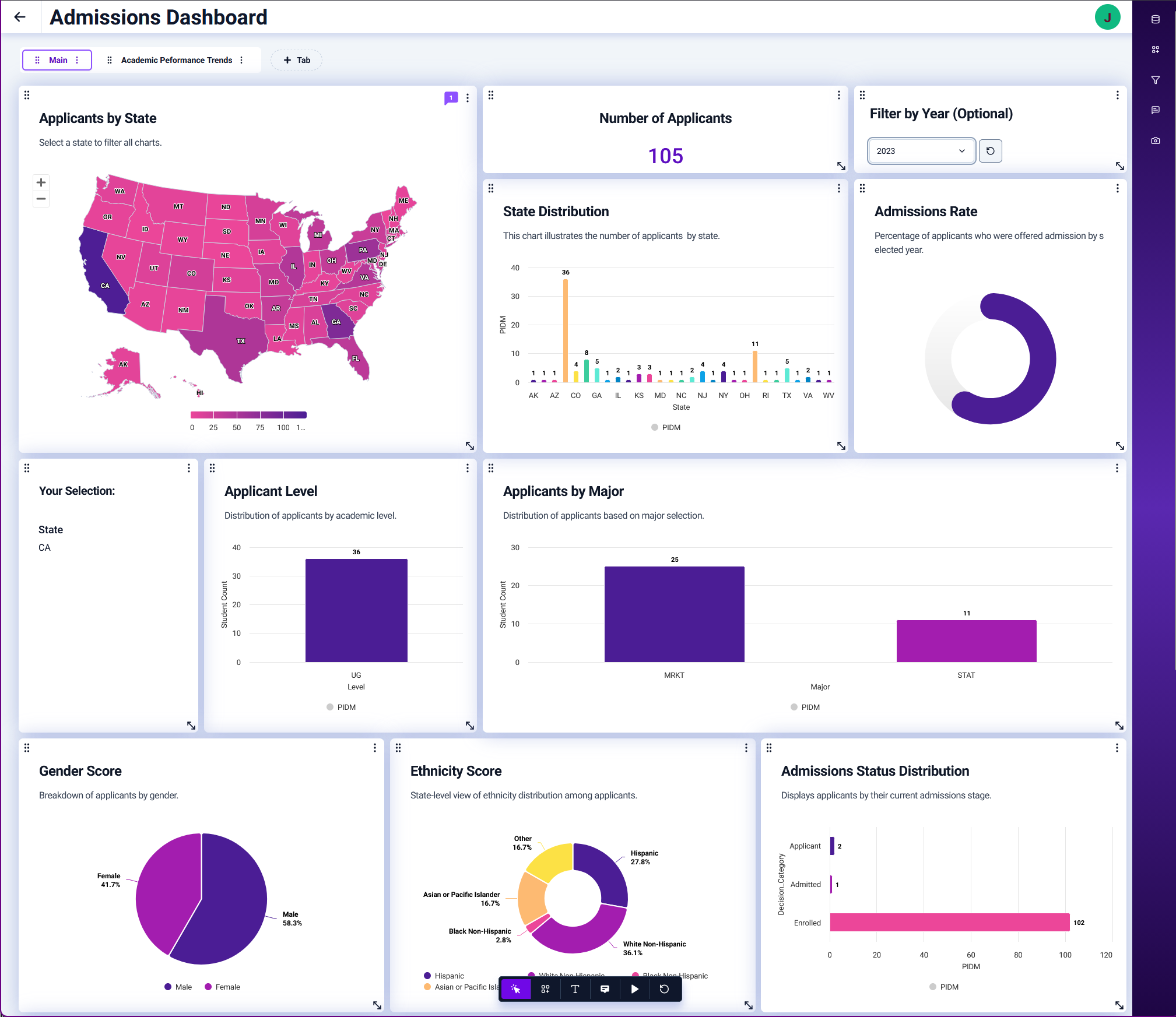
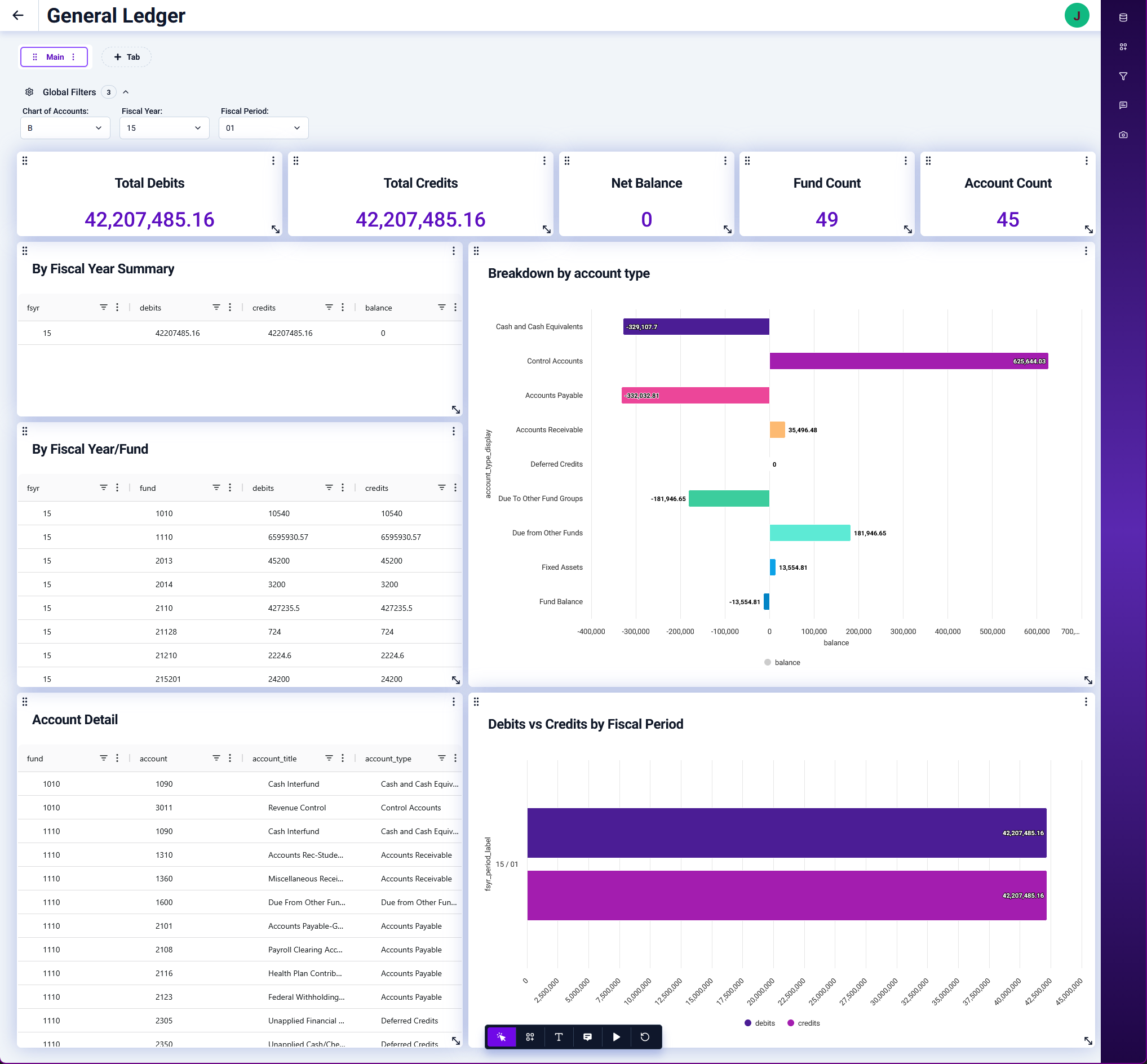
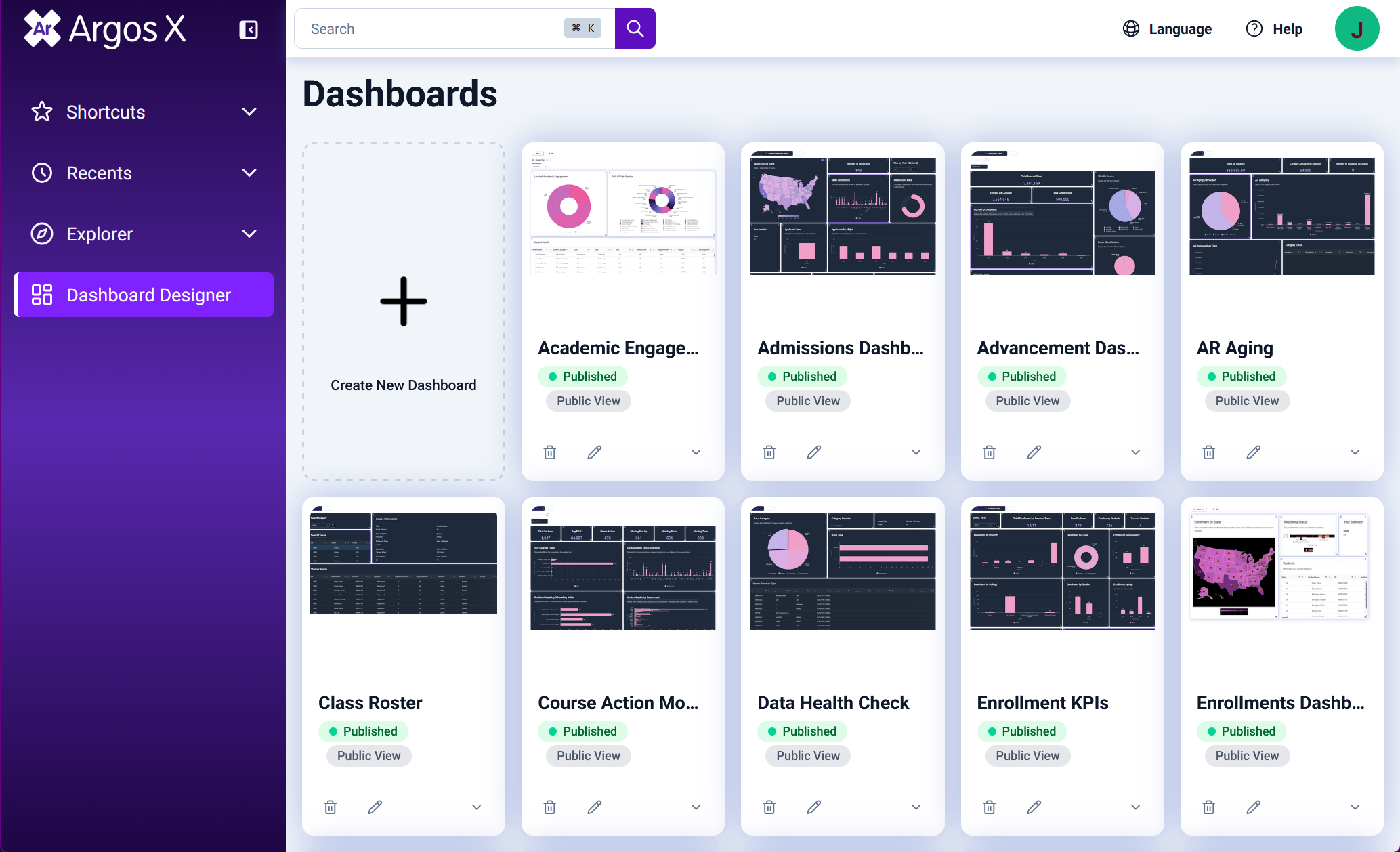
Build and share dashboards using intuitive, web-based tools that present institutional data in clear, accessible formats for any audience.
Explore data without technical barriers
Filter, sort, organize, and export data with flexible controls that allow users to explore, validate, and answer questions without writing queries.
Analyze data from multiple perspectives in seconds
Use Pivot Mode to configure rows, columns, and aggregations through a drag-and-drop experience that reveals trends and patterns across your data.
Maintain full control over data and AI usage
Ask questions in plain English and receive immediate answers grounded in governed DataBlocks, complete with transparent logic and data lineage.
Upgrade without rebuilding your reporting
Own Argos? Turn on Argos X in just a few clicks and continue to use your existing DataBlocks and reports without modification or disruption.
How institutions are putting data to work across campus with Argos X
Having data is not the same as using it effectively. Argos X bridges that gap by combining modern reporting, flexible analysis tools, and trusted data foundations so teams can explore, understand, and act on information faster.
Modern dashboard creation for campus-wide visibility
Argos X makes it easier to design, deliver, and share dashboards that support decision-making across departments.
WHAT YOU GET:
- Web-based dashboard creation
- Mobile-friendly, responsive layouts
- Easy sharing and embedding in campus portals
- Clear, accessible views tailored to different audiences
- Faster time from data to insight
Self-service data exploration for faster answers
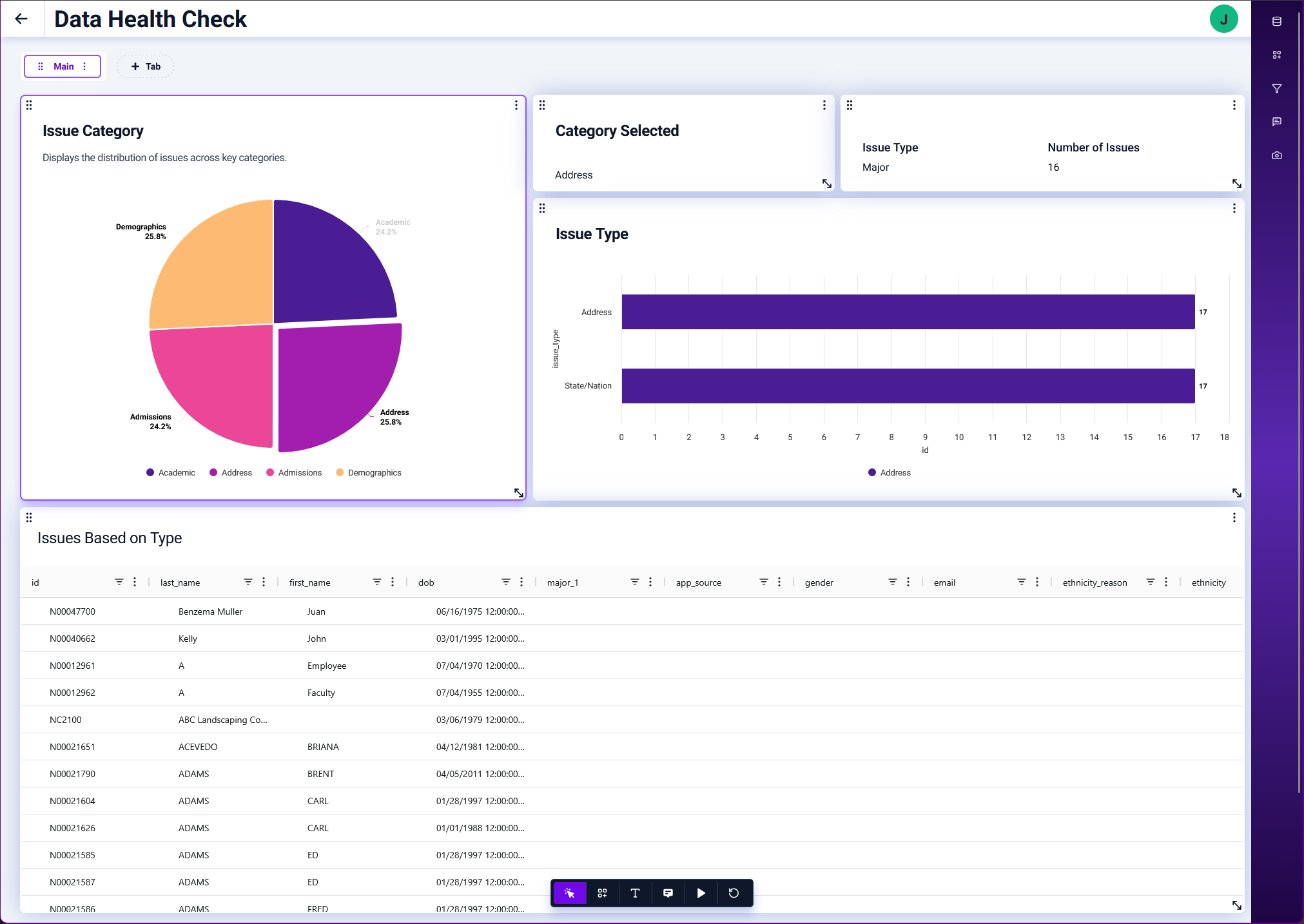
Users can interact directly with data instead of relying on IT or waiting on scheduled reports.
WHAT YOU GET:
- Multi-column filtering for precise analysis
- Flexible sorting and column management
- Export to Excel and CSV for deeper workflows
- Faster validation and follow-up analysis
- Reduced reporting backlog for technical teams
AI-powered insights built on trusted data
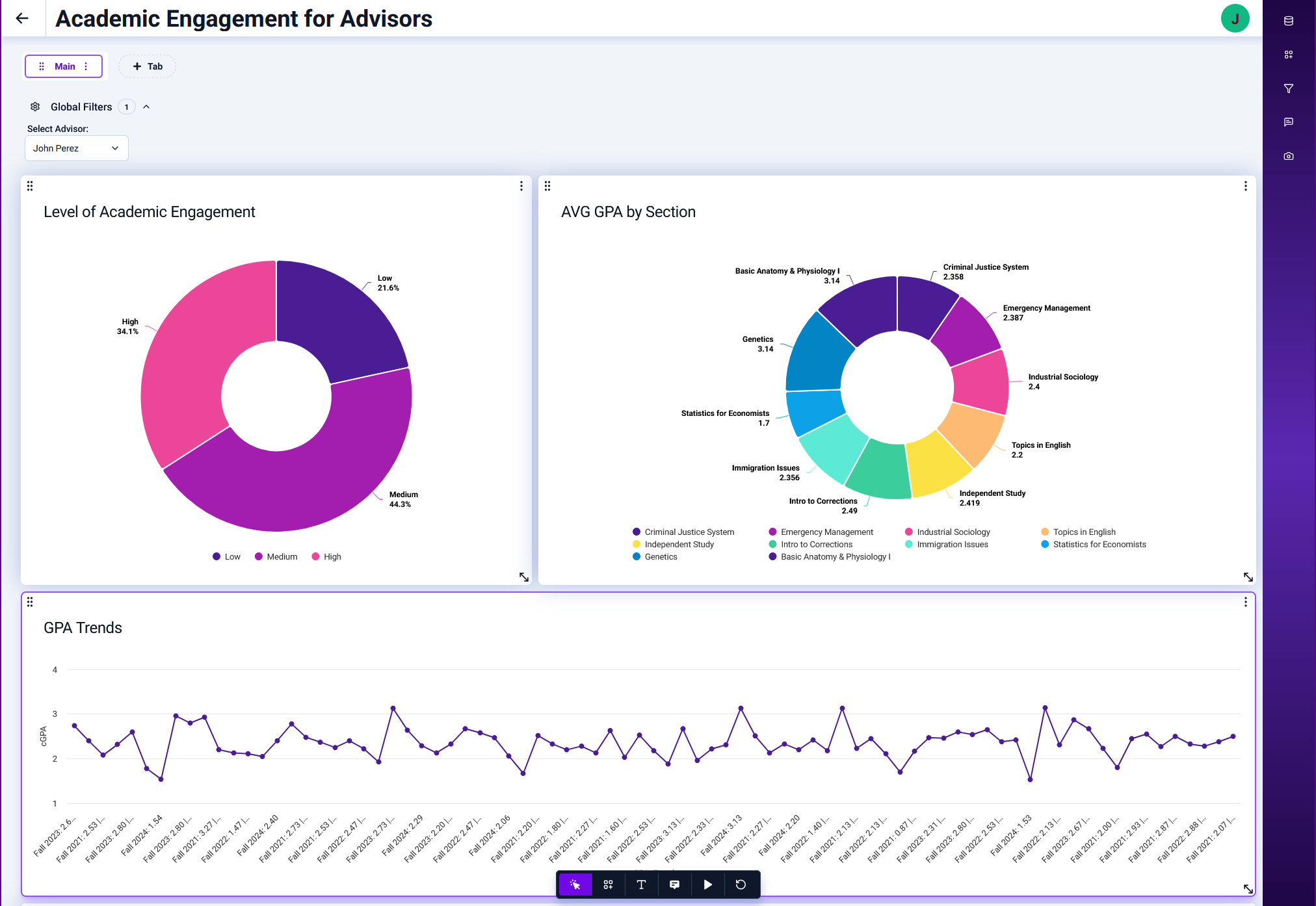
Argos Data Agent brings AI directly to governed institutional data, ensuring answers are both fast and reliable.
WHAT YOU GET:
- Natural language queries with instant responses
- Answers grounded in trusted DataBlocks
- Visibility into SQL logic and data sources
- Zero Data Retention (ZDR) architecture
- Insights, trends, and root causes from your trusted data
Multidimensional analysis without complexity
Pivot Mode allows users to explore data dynamically without needing advanced tools or training.
WHAT YOU GET:
- Drag-and-drop configuration of rows, columns, and values
- Instant aggregation and summarization
- Flexible views across multiple dimensions
- Faster identification of trends and outliers
- Deeper insight without technical expertise
Personalized and branded user experience
Argos X enables institutions to tailor the experience to their users while maintaining consistency and control.
WHAT YOU GET:
- Saved dashboard settings for personalized views
- Default configurations for consistent experiences
- Custom color themes aligned to institutional branding
- Logo customization across the platform
- Improved usability through intuitive controls and layouts
How do I get started with Argos X?
Already using Argos? You have access to Argos X! Follow the steps below to get started.
Don’t own Argos? Fill out the form at the bottom of the page and let’s talk.
Check Prerequisites & Update Argos & MAPS As Needed
Requires Argos & MAPS 6.12.1 or newer. For more information, check out MAPS Suite Hardware & Software Requirements, MAPS Knowledge Base & Argos Knowledge Base. If you require further assistance, please submit a Support ticket.
Enable Argos X in MAPS Config
Enabling Argos X is as simple as 1, 2, 3.
Step 1. Launch and log into the MAPS Configuration Tool.
Step 2. Navigate to the Server area from the navigation pane.
Step 3. Check the "Enable Argos X support" checkbox.
Login to Argos X via the MAPS eLauncher
Now that Argos X is enabled for your MAPS Server, head back to the eLauncher in your browser. A new button will be displayed under the Argos application tab, highlighting Argos X. Simply press the button and !viola! a new browser tab will navigate you directly into Argos X. That's it!
What if your data could drive action across your entire campus?
Your institution already has the data. Argos X helps you put it to work across your campus without adding complexity or risk. Fill out the form and an Evisions higher ed specialist will follow up within one business day to show how Argos X can expand reporting, simplify analysis, and help your team move faster.